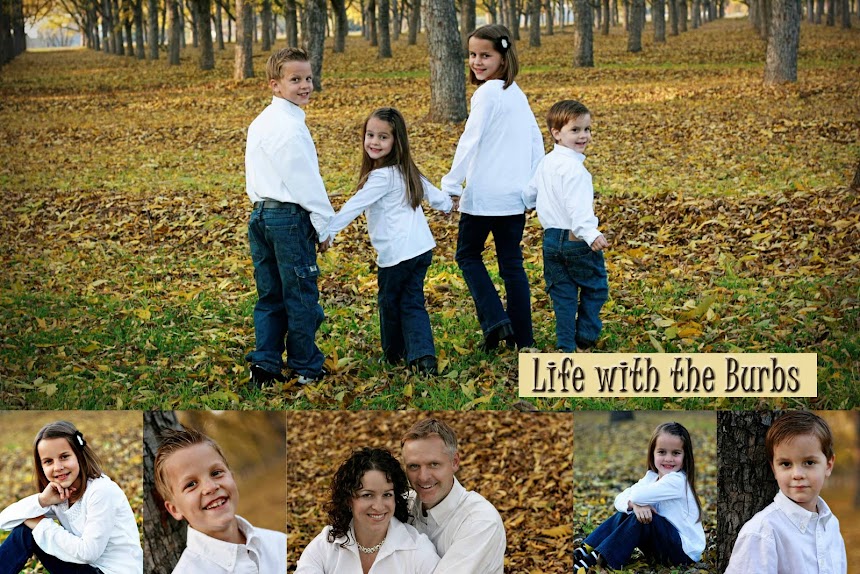

I really wish I knew how to get the photos on here bigger! This is a 12x6 page, but I can't get it to show up any bigger! Can anyone help me? For now, just click on it and it will open up so you can see the whole thing :)
Friday, July 23, 2010
locks of love
Posted by amyburb at 2:28 PM
Subscribe to:
Post Comments (Atom)


6 comments:
She is getting so big!!! I am so proud of her. Tell her I said so :)
Hello, I've just randomly come across your blog and I had this exact same frustration! I've discovered you can enlarge the photos by this method:
I tick the large tab when I uploading a photo, then once uploaded if you click on the Edit Html tab then double the width and height eg 400px becomes 800px, 300px becomes 600 then (usually on the next line) change s400 to s800. If you find the photo size to big then when uploading a photo click either small, medium. The principle of doubling width, height, s remains the same. For most photos this works for me! Hope this helps :D
Cute girl, Amy! Are you using the new photo editor in blogger to upload photos? if not you might want to try it. When you upload a phot with it you can choose off a little menu bar that automatically opens under the photo to make it large, xl, medium, etc...
Wow! Ellie's hair was so long! Long hair or short she is still as cute as can be! How fun for her to donate her hair. She will always remember this!
How nice of her to want to share her beautiful hair...and she looks so cute with the hair cut.
Wow, so cute with the short haircut! How many inches do you need to have to donate?
Post a Comment